What People Actually Use Tabula For
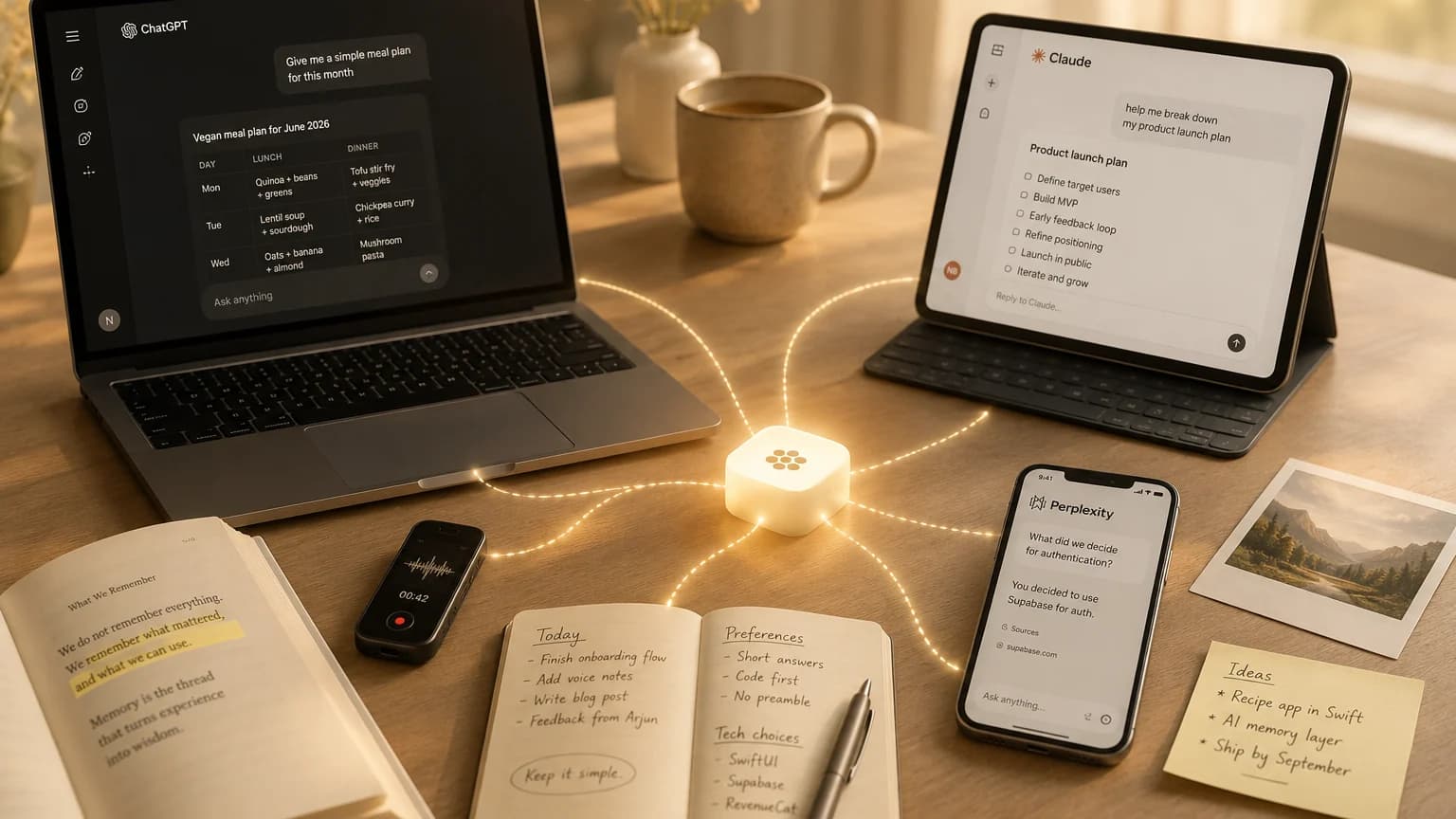
Tabula is one memory that every AI you use can read and write. That is the whole product.
Here are four things people actually do with it.
Switching AI in the middle of something
You start a project in ChatGPT. Two days later the thing you need is something Claude is better at. Normally that means explaining the whole project a second time.
Connect both once and that step disappears. Tell one, the rest already know. There is a longer walkthrough of switching tools if you want the detail.
Keeping memory without handing it over
Plenty of people turn AI memory off, or work in incognito, because they would rather not have a company quietly building a profile of them. That works. It also costs something real: every chat starts from nothing, and you explain yourself again.
There is a third option that most people miss. Leave the built-in memory off, and connect Tabula instead. You still get memory. It just lives somewhere you can open, read line by line, correct, export, or delete entirely.
Context that is scattered across months
If everything lives in one long conversation, you can copy it into another AI and carry on. That is rarely how it goes.
- Building a recipe app in Swift, solo, shipping by September
- Prefers short answers with the code first, no preamble
- Decided against Firebase, using Supabase for auth
Three months of scattered context, kept as facts any AI can read in a second.
The real version is nine conversations across three months. A decision in one, a preference mentioned once in another, a constraint from something you were doing in May. There is nothing to copy, because it was never in one place to begin with.
This is the case people underestimate until it happens to them.
The things you never typed into a chat
The idea on a walk. A page of a book worth keeping. A thought at 1am that mattered in the morning.
Tabula takes voice notes, photos, and quick text from your phone, and the useful ones become memory your AIs can use like anything else. That has its own post.
Where to start
Pick the two AIs you actually use. Connect them, then tell one of them something true about you and ask the other a question that needs it.
Watching the second one already know is the moment this stops being an idea.
Questions
- Do I have to use one AI for this to work?
- No, the opposite. Tabula is most useful when you use several. It is one memory that ChatGPT, Claude, Grok, Mistral, Manus, and Perplexity can all read and write, so switching between them stops costing you context.
- Can I use Tabula and keep my AI's built-in memory turned off?
- Yes, and that is a common setup. Turn the built-in memory off so the AI company is not building its own profile of you, then connect Tabula. You still get memory, and it lives somewhere you can read, edit, export, and delete in full.
- Why not just copy and paste between AIs?
- That works when everything lives in one conversation. It stops working when the context is spread across many chats over weeks or months, because there is no single block of text to copy. Tabula keeps the durable facts as they come up, so there is nothing to reassemble later.
- What actually gets saved?
- Durable facts worth reusing: what you are working on, decisions you have made, how you like answers, constraints and preferences. Not whole transcripts. Everything saved is visible on your dashboard, and you can edit or delete any of it.